


I am not even sure this post fully qualifies as compliant reading material, so treat it as entertainment. To keep it from turning into an architecture guide for some future security drill or a deliberate intrusion, I have blurred most of the implementation details. A few harmless bad practices still show up in the story, but all of them had already been fixed by the time this post went public. Please do not copy any of this.
How to hang a sysadmin out to dry
Reverier does operations work, the kind where 24/7 on-call is not a slogan but a lifestyle.
He looks after several servers and is constantly pulled into all kinds of “small incidents” - which, in plain English, means cleaning up other people’s messes. A junior accidentally deleting /usr/lib, a lab next door still running ancient Ubuntu 14 and suddenly losing its package mirrors, an upstairs research group whose AI box has exploded because of CUDA yet again, a roommate whose PowerPC VM for binary analysis refuses to boot - you get the idea.
After every rescue mission, Reverier rewards himself with a bottle of coconut water from the campus 7-Eleven.
Coconut water is great. Operations work is not. Besides bailing out half the campus, Reverier also has to maintain a few actually important sites, such as the Xidian CTF Terminal. But Reverier is still just a regular grad student, and as if a serious education-and-research project could ever officially be entrusted to one overworked grad student - on paper, operations belong to the university IT office, while the project itself belongs to the School of Cybersecurity. As for who actually develops and runs the system? Never met the guy.
That is enough complaining. Any more than this and the diploma might disappear.
University websites count as official public-facing infrastructure, which means the security requirements and compliance rules are extremely strict. As someone who only has real control over the software layer, Reverier cannot touch most of the infrastructure at all: no IPMI, no PVE, no hardware access, nothing. On top of that, the servers have no Internet access, and only ports 80 and 443 are exposed.
Yes, you read that right. No port 22. The sysadmin has to figure out his own way to get a shell.
Because this blog may touch on parts of a sensitive service architecture, I am intentionally keeping the overall structure of the university website cluster vague and selectively changing or omitting a few important details to avoid making any of it reusable.
The IT office did not block every possible path, though. Reverier could also have stormed the north campus office in person and captured a workstation They did provide a bastion host. Only after passing through multiple layers of checks and protection could you finally reach the server’s SSH indirectly through that bastion.
Without Internet access, getting a software package onto the server is already difficult enough. Worse, if you accidentally break the SSH service, the machine basically disappears into the university web farm forever, and the only remaining recovery plan is a physical raid on the IT office.
Keeping a stable service alive under constraints like these is what Reverier calls tightrope operations.
I swear I am not a hacker
The first problem to solve is shell access.
Under the current setup, the bastion host streams the server shell back to the operator’s terminal through a simple tunneling protocol. That means tools like scp and rsync, which depend on an SSH transport, are basically useless for moving files around. So the urgent problem becomes: how do you get a usable shell path that is not trapped inside the bastion workflow?
[REDACTED]
The IT office had a few deployment issues of its own, such as [REDACTED]. That accidentally left us with one extra [REDACTED] to work with. Aside from feeling a little cursed, it functioned well enough. It was still risky, though, and every university server under Reverier’s care kept this route as a backup path.
TCP muxer
Another workable approach was to build a TCP muxer from scratch and place it in front of nginx. Both SSH and HTTP have fixed packet headers, so the idea is simple: inspect the first packet on each new TCP connection, identify the protocol, and route the connection to the matching backend service.
That makes it possible to browse the normal web service over ports 80/443 while also allowing direct SSH over those same ports straight into sshd.
Unfortunately, that nice period did not last. Exposing SSH that way means scanners can fingerprint ports 80/443 as SSH services, and unfortunately the university’s automated auditing tools did exactly [REDACTED]. After two separate phone calls, Reverier gave up what had looked like the simplest and most stable approach.
SSH over WebSocket
Reverier once wrote a tool called WebSocket Reflector X. Very roughly speaking, it rebuilds a transport layer over WebSocket at the application layer, forwards an internal server port into the WebSocket connection through a temporary TCP client, and then maps that WebSocket connection back onto a local port on the client side.
That tool happened to solve the shell problem. Deploy WebSocket Reflector X on the server, configure a rule that maps a WebSocket endpoint to port 22, and you suddenly have a path back to SSH.
Of course, using WebSocket Reflector X was not exactly pleasant. On top of that, the bastion host terminated HTTPS and turned the traffic into plaintext internally, which was not ideal from an auditing perspective. But perhaps you have already guessed there is another protocol everyone knows, but nobody likes naming too loudly in public: [REDACTED]. It already comes with traffic obfuscation, multiplexing, encryption, and error recovery, which makes it almost suspiciously well suited to this job.
Multi-path reverse shell
[Implementation details removed] [Fixed later]
The migration from hell
When Reverier first took over this server, the system was reinstalled once. In search of a little more stability, he made a decision he later regretted several times: using ext4. There is nothing wrong with ext4 itself; it is still one of the most widely used local file systems around. But in this kind of setup it has one huge weakness: it cannot simply grow a partition across devices.
That should not have been a big deal, except both the previous operator and Reverier badly underestimated the future workload and user count on this server. Who would have guessed a freshman CTF could balloon from 200 participants to 6000 in only four years?
So the server was initially allocated a 100 GB disk.
Unsurprisingly, it filled up.
Reverier then asked the IT office for more space. They were not exactly enthusiastic, but the expansion was approved. The way they did it, however, was slightly absurd: they simply plugged in a new 1 TB drive. That created a new problem immediately. Most of the storage pressure lived under /var/lib/docker, and a large chunk of the rest was in the platform’s challenge storage. Migrating either directory cleanly was awkward.
After thinking it through, Reverier decided to take a risk: bootstrap an entirely new system onto the new disk, repoint GRUB to that system, and complete the migration that way.
The risk was enormous. Reverier had exactly one SSH path, and even that path depended on NGINX and WebSocket Reflector X to work. If anything in the new system was misconfigured, the only remaining disaster-recovery plan would once again be charging into the IT office in person.
Even so, it was still possible.
After a bit of mental preparation, Reverier opened the Arch Linux documentation and planned to bootstrap Arch onto the new disk, only to be talked out of it by friends almost immediately. On a server whose Internet access was already unreliable, using Arch would have been asking for trouble. So he changed course and used Debootstrap to bootstrap a Debian system onto the new drive instead.
The installation mostly followed this guide, with arch-install-scripts helping simplify a few steps.
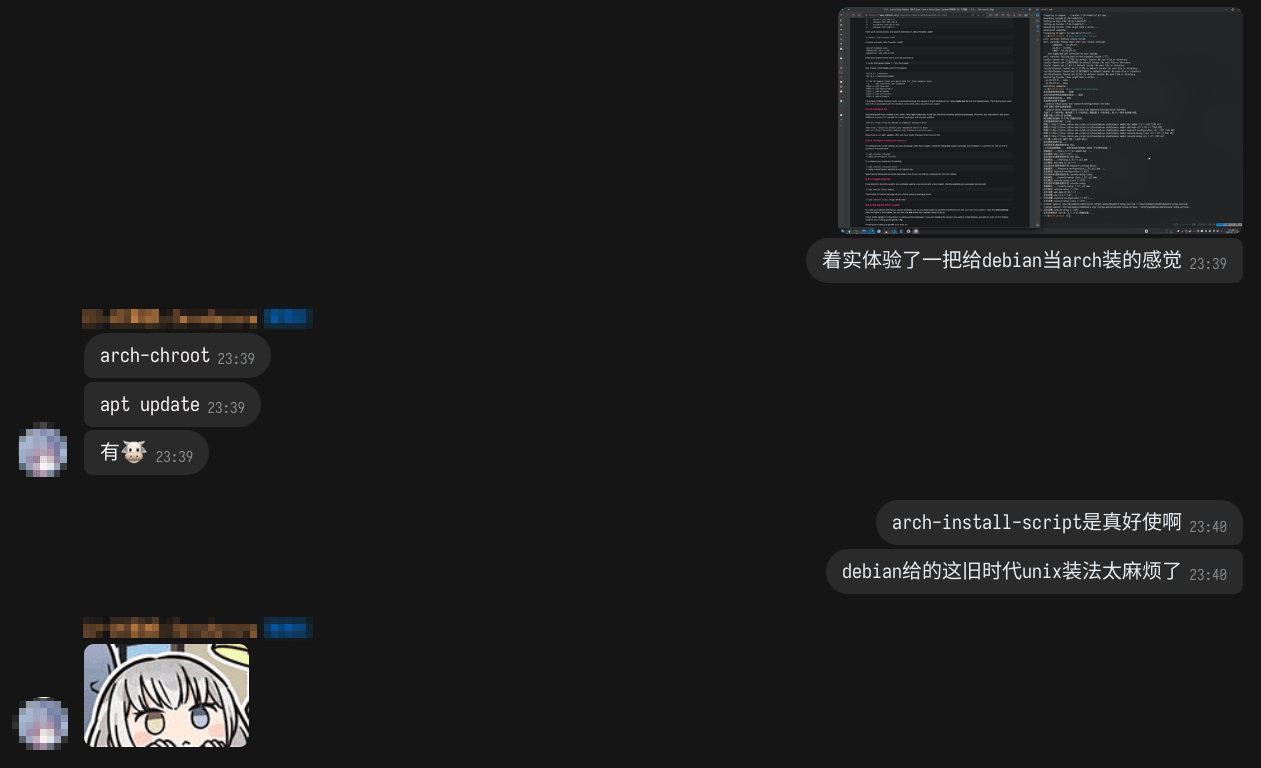
After entering arch-chroot /mnt/new_system, the first task was pacman -Syu (absolutely not)apt update (please stop obsessing over updates)/etc/network/interfaces straight from the old system and hoped for the best.
Next came fstab. I generated it with genfstab, but it had also pulled in a few loop devices, so those had to be removed by hand.
Then it was the usual march through account setup, systemd services, NGINX, WebSocket Reflector X, and [REDACTED]. After that, I went back to the old system, ran update-grub, and manually edited the first boot entry in the generated grub.cfg.
Once everything was ready, I typed systemctl reboot with a pounding heart and waited for a miracle.
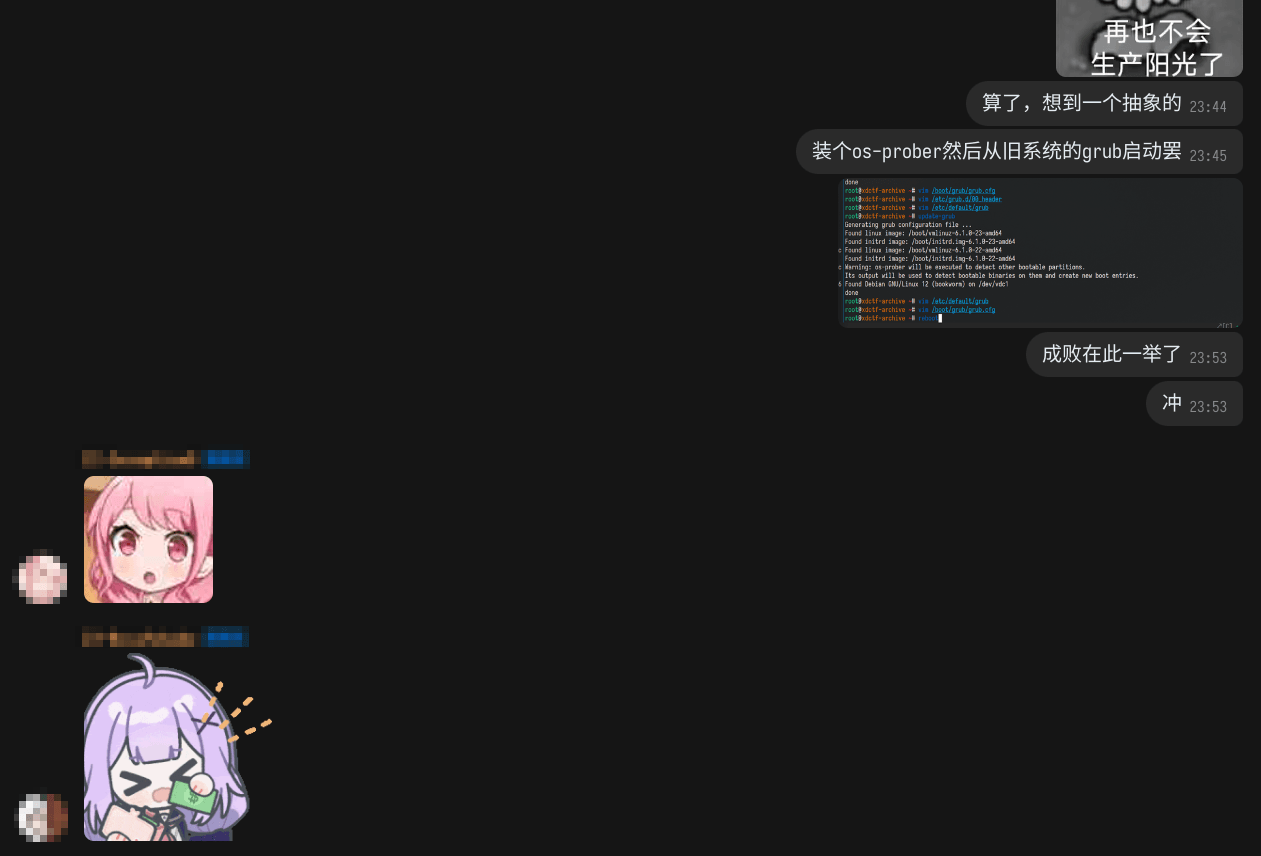

I was even worried about whether GRUB could boot cleanly across disks, so I went and asked the Arch crowd for help.
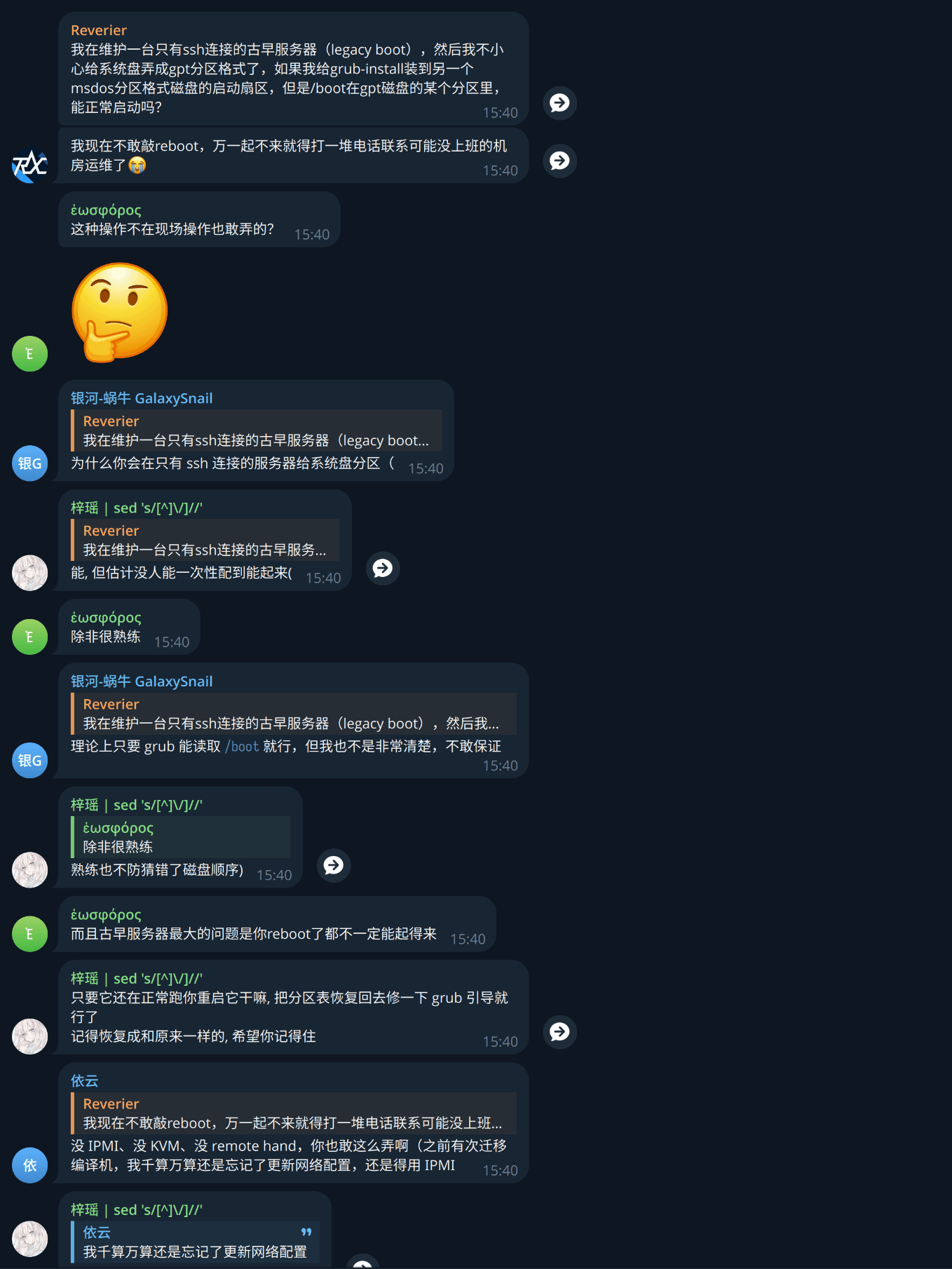
Thankfully, luck was on my side.
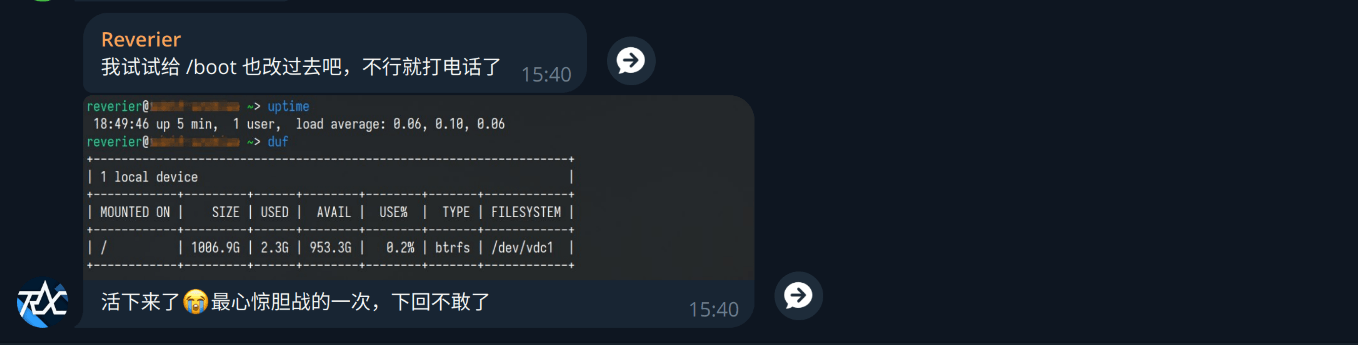
To be continued…
The service is small, but the incidents never stop. I will write the next chapter when I have the energy.